Source / Bibliography Report: every source in your tree and what cites it
A researcher's credibility rests on their sources. The Source / Bibliography Report lists every source in your tree, and beneath each, every fact that cites it.
How to open it
Open Tree options → Reports… and choose Open Source Report. It covers the whole tree.
What is on it
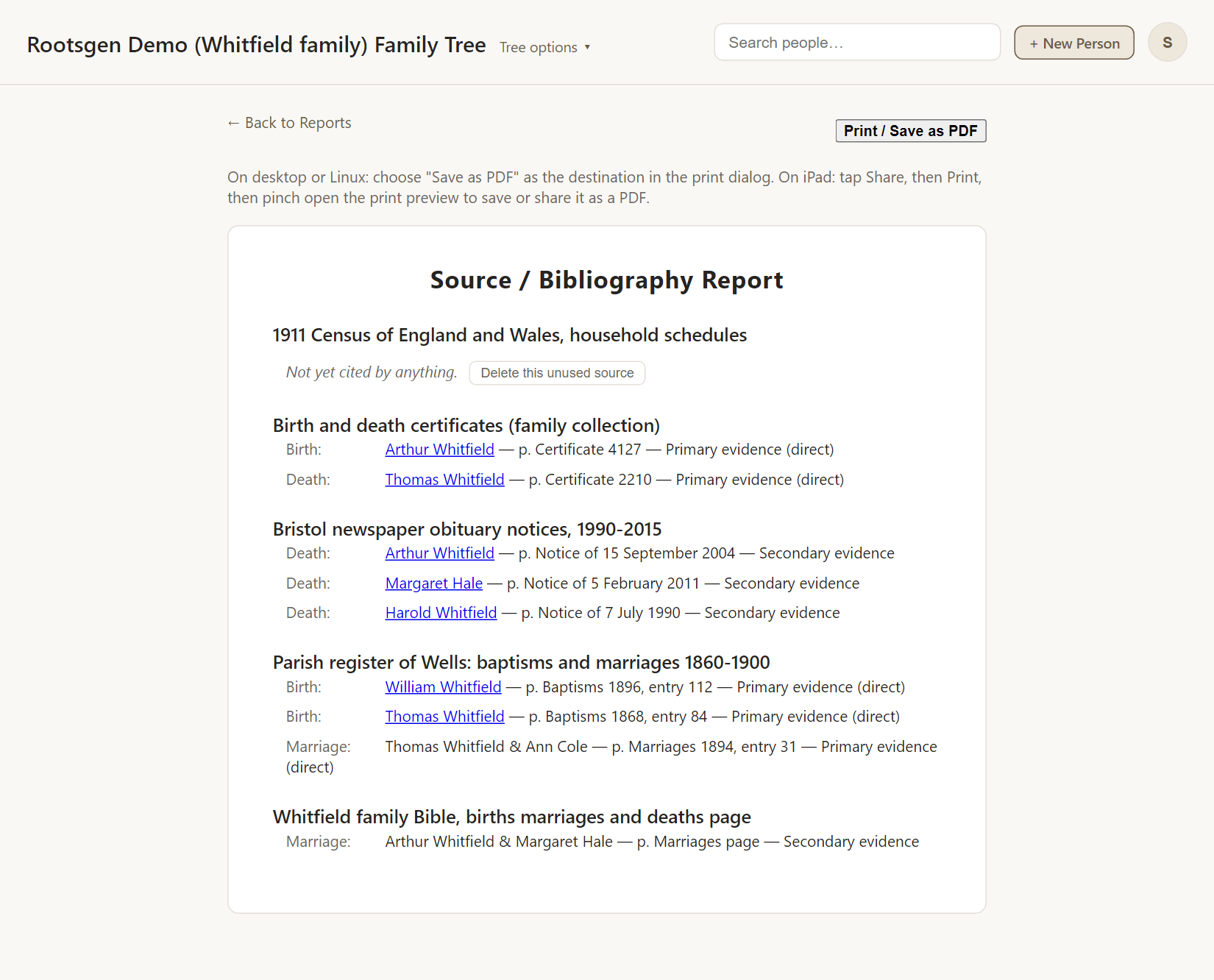
For each source:
- The source title.
- Each fact that cites it, such as "Birth", "Death" or "Marriage", with the person (as a link to their page) or the couple.
- The page or detail and the evidence quality: Primary evidence (direct), Secondary evidence, Questionable, or Unreliable.
- A note Not yet cited by anything for a source no fact uses, with a Delete this unused source button for editors.
If a tree has no citations at all, a short hint tells you how to add them.
Good uses
- A bibliography to attach to a family history.
- Finding your weakest evidence: everything rated Questionable in one place.
- Cleaning up: sources nothing cites can be removed with a click.
To add citations, see sources and citations.
Every report has a Print / Save as PDF button that uses your browser's own print dialog, so choose Save as PDF to make a file. See all reports.
Frequently asked questions
Can I delete a source that is in use? No. Only sources that no fact cites can be deleted, so citations are never removed by accident.
Do all facts show up? Facts that have a citation, on births, baptisms, deaths, burials and marriages.
Where do sources come from? Either you add them, or they arrive with a GEDCOM import.