Register Report: a numbered narrative of a family, generation by generation
The Register Report tells a family's story as paragraphs. Each person in a line of descent gets a number and a short account of their birth, death and marriages, followed by their children. It follows the numbering style used by many genealogical journals and family histories.
How to open it
Open Tree options → Reports…, choose Register Report and pick the ancestor to start from.
What is on it
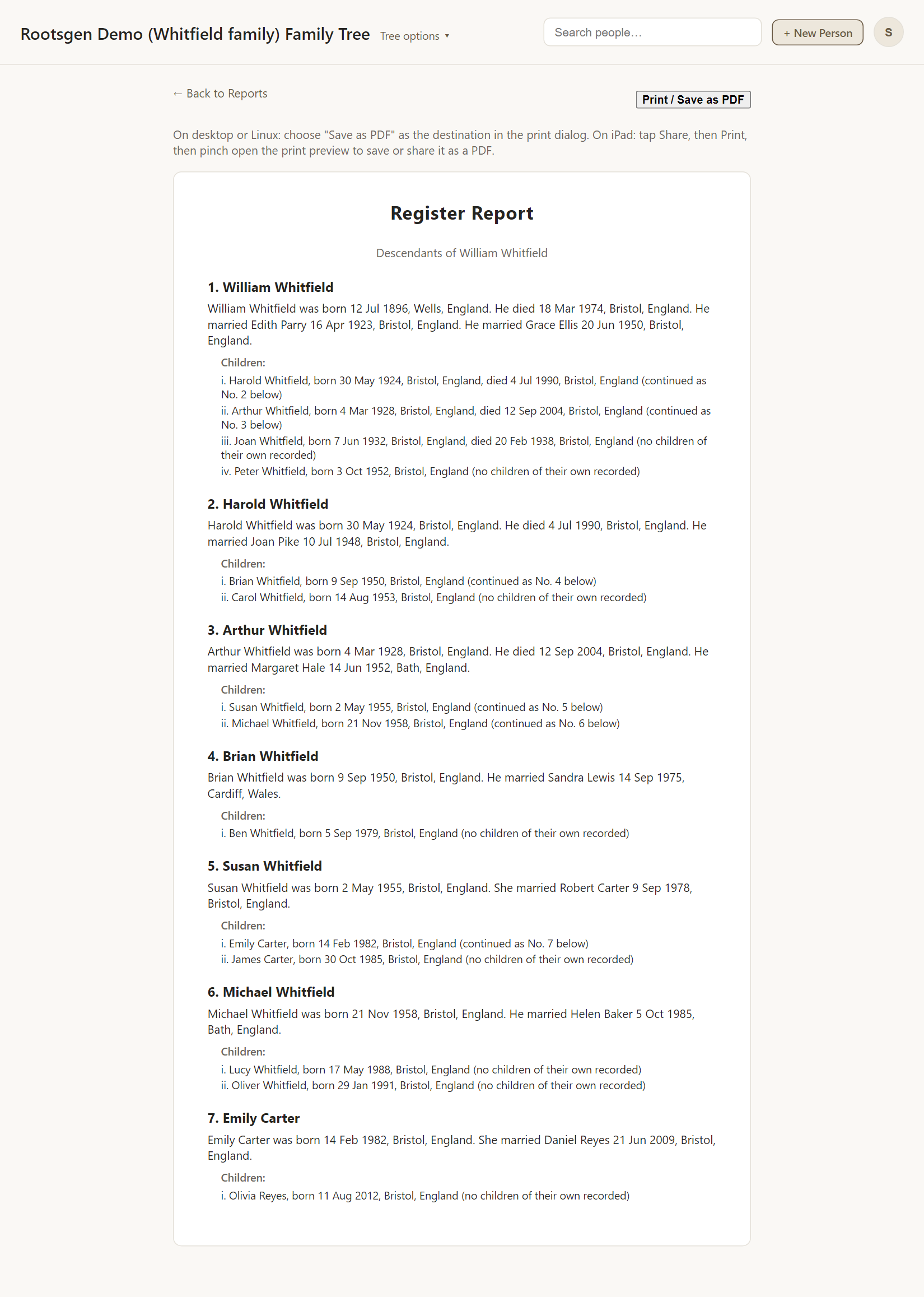
- Each numbered entry is a sentence or two: "William Whitfield was born 12 Jul 1896, Wells, England. He died 18 Mar 1974, Bristol, England. He married Edith Parry 16 Apr 1923…"
- Under each is a list of Children, numbered i, ii, iii.
- A child who has children of their own is marked "(continued as No. 3 below)", so you can follow the line. A child with none is marked "no children of their own recorded".
- Numbers run by generation: everyone in one generation, then the next.
Good uses
- The core of a printed family history, or a book for the family.
- Something a relative will actually read from start to finish.
- A journal-style submission where the format matters.
For the same people as an outline, use the Descendant Report.
Every report has a Print / Save as PDF button that uses your browser's own print dialog, so choose Save as PDF to make a file. See all reports.
Frequently asked questions
Why are people numbered? So you can jump between a child's mention and their own entry, however many generations there are.
Are multiple marriages included? Yes. Each marriage is described in the person's paragraph.
Can I edit the wording? The text is generated from the facts in your tree, so fix the record and the report updates.