Places Report: every event recorded at a place in your family tree
Where did your family cluster? The Places Report turns your tree inside out: instead of looking at a person and asking where they lived, you pick a place and see every event that happened there.
How to open it
Open Tree options → Reports… and choose Open Places Report. It covers the whole tree.
Search first
A tree can have thousands of places, so the page starts empty. Type part of a place name and the matching places appear with a count of events.
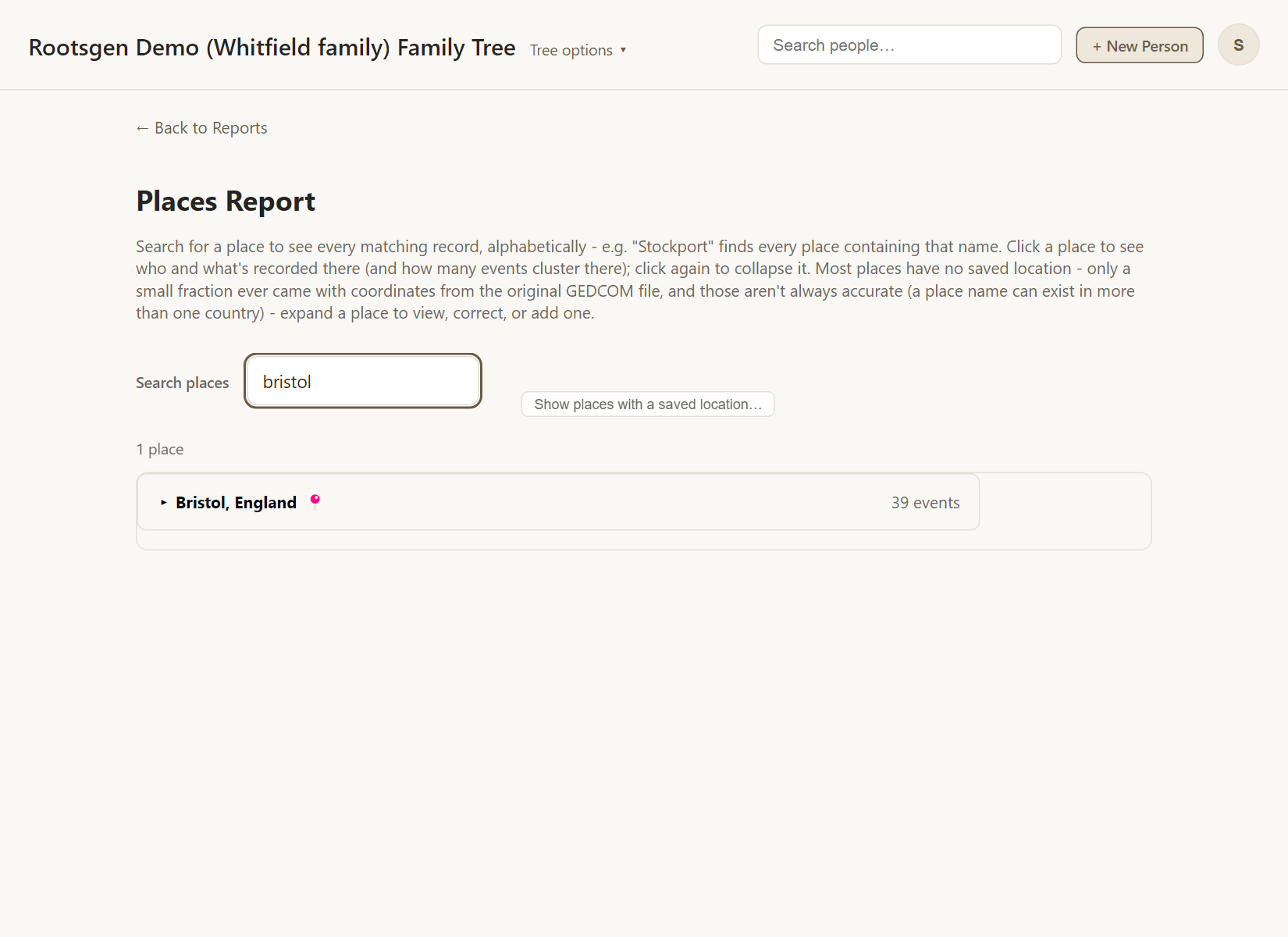
Expand a place
Choose a place to open it. Every event there is listed with its date, type and the people involved, and each name links to that person's page. Collapsing and expanding again is instant.
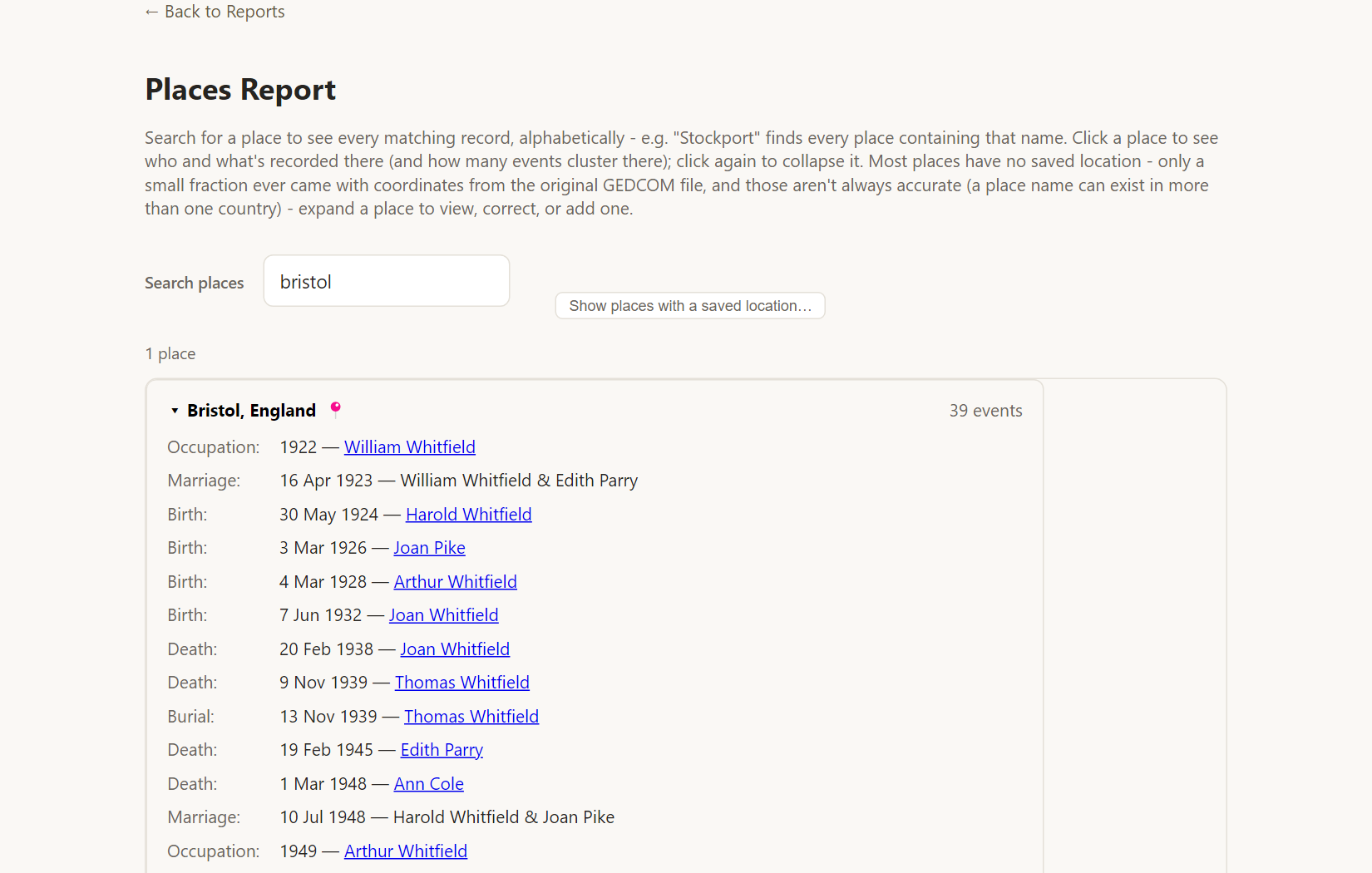
Places that differ only by spacing, punctuation or capital letters are joined, so one town spelled two ways is not split in two.
Fix a location while you are there
Each place also lets an owner, co-owner or editor set or correct its map location without leaving the report. See places and maps.
Good uses
- Finding which parishes hold most of your ancestors' events, to choose which archive to visit.
- Spotting misspelled places: two near-identical entries in the list.
- Planning a trip to a family village.
Frequently asked questions
Why is the list empty at first? Because large trees have thousands of places. Search to narrow it.
Is it printable? It is a browsing tool. For a printable list, use the Custom List Report.
Who can use it? Anyone with access to the tree, including viewers.