Tree settings: choose which person your family tree opens to
Every tree needs a starting point. Tree settings lets the owner or a co-owner choose which person the tree opens to, so relatives you share it with land on you, or on the ancestor where the family story begins, rather than on an arbitrary record.
Where to find it
Open Tree options → Tree settings…. It is available to the owner and co-owners.
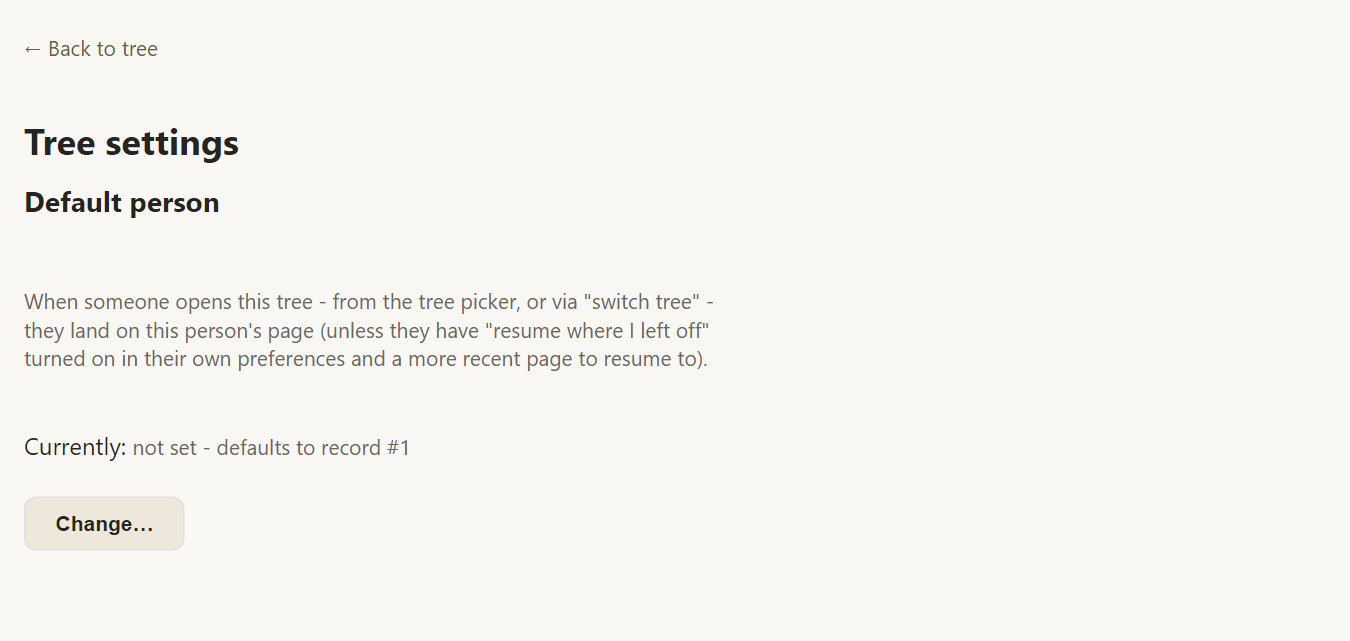
Choose the default person
Press Change… and search for the person by name. Only people who already exist in the tree are offered, because a default has to be somebody real.
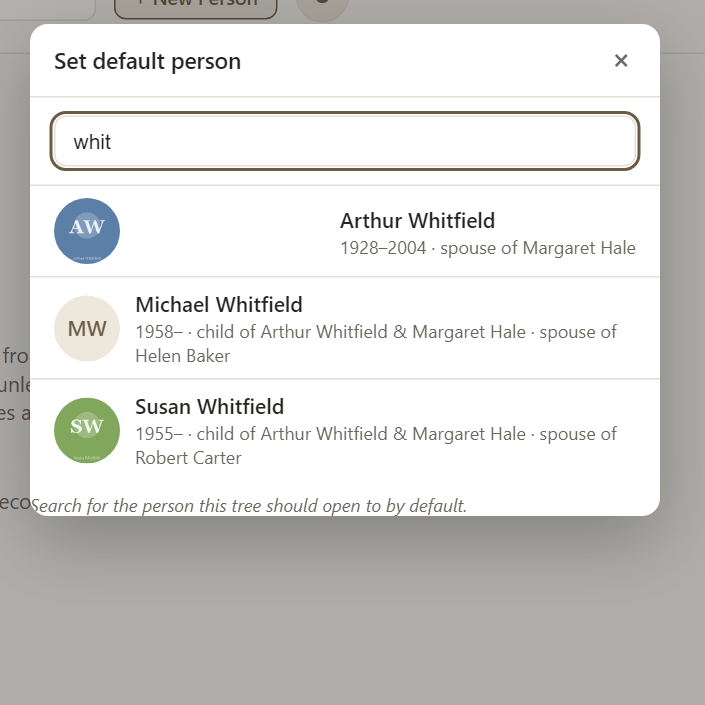
Pick a person and the setting is saved. From then on, opening the tree from the tree list or from Tree options lands on that person.
When the default is not used
- If you have not chosen a default, the tree opens on the first person record.
- Each person can turn on Reopen wherever I left off in Preferences. Then the tree opens on the last person they viewed instead. This is a personal choice and does not change the tree's own default.
Frequently asked questions
Who sees the default person? Everyone who opens the tree, unless they have chosen to resume where they left off.
Can I have a different default for each person I share with? No. The default belongs to the tree. Personal choices such as resuming are set in Preferences.