Share your family tree: invite family as viewers, editors or co-owners
A family tree is private until you decide otherwise. Manage access is where you choose who else may open it, and what they may do. Nobody can find or open your tree unless you add them.
Where to find it
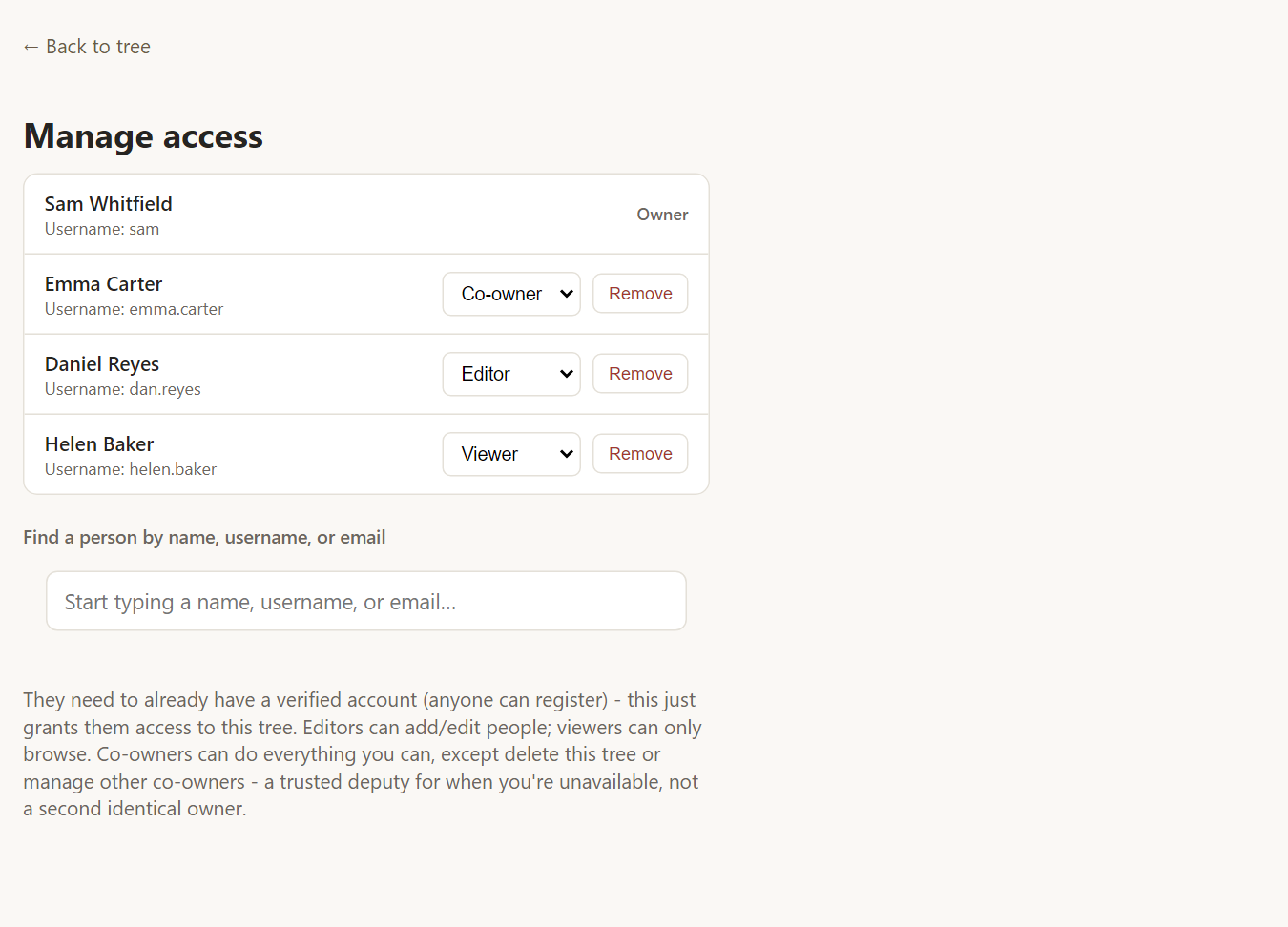
Open Tree options → Manage access…. It is available to the tree's owner and any co-owner.
The four roles
- Viewer can browse the tree, look at photos, search and run reports. They cannot change anything.
- Editor can add and edit people, families, notes, sources and photos. They can also run Validate.
- Co-owner can do everything the owner can except delete the tree or manage other co-owners. It is a trusted deputy for when you are unavailable, not a second owner. Only the owner can appoint a co-owner.
- Owner has full control, including deleting the tree.
Invite someone
The person needs a Rootsgen account. Anyone can register with just a username and a passkey, so ask them to do that first. Then:
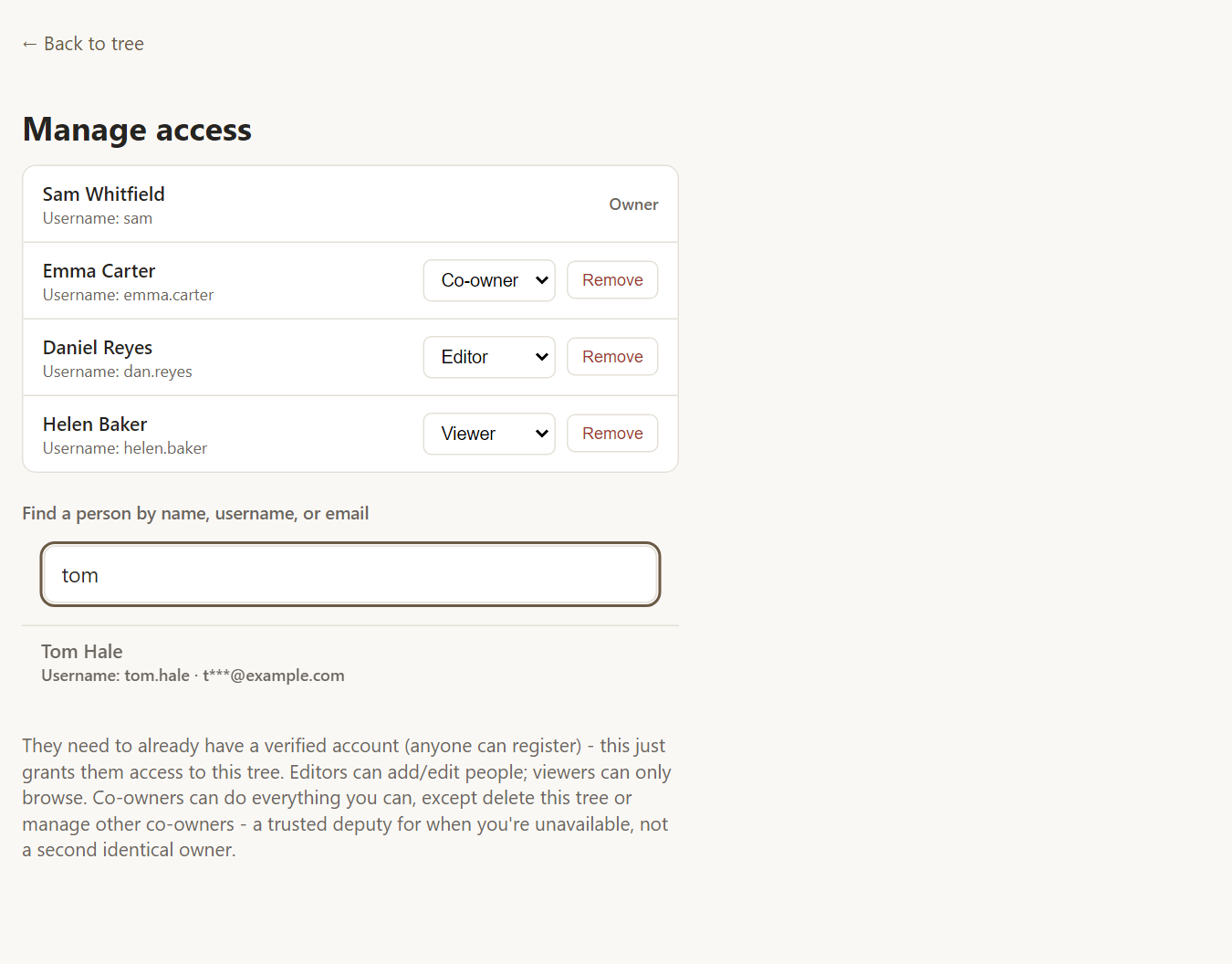
- Start typing their name, username or email in Find a person by name, username, or email.
- Choose them from the results. Part of each email address is hidden, so you can tell two people apart without exposing full addresses.
- Pick the role you want them to have. The tree then appears in their list of trees.
Change or remove access
Use the role menu on any row to promote or demote someone, or Remove to take their access away. It takes effect immediately.
Frequently asked questions
Can I share a tree with someone who has not registered? No. They need to register first - just a username and a passkey, no email address needed, and it takes under a minute.
Can an editor invite other people? No. Only the owner and co-owners can manage access.
Will people I share with see my other trees? No. Access is granted tree by tree, and they see only the trees you have added them to.
What if I stop using my tree? Owners and co-owners with an email address on file get a warning email if a tree is untouched for a long time; if not, an administrator is alerted to follow up instead. Either way, it is never removed without notice.